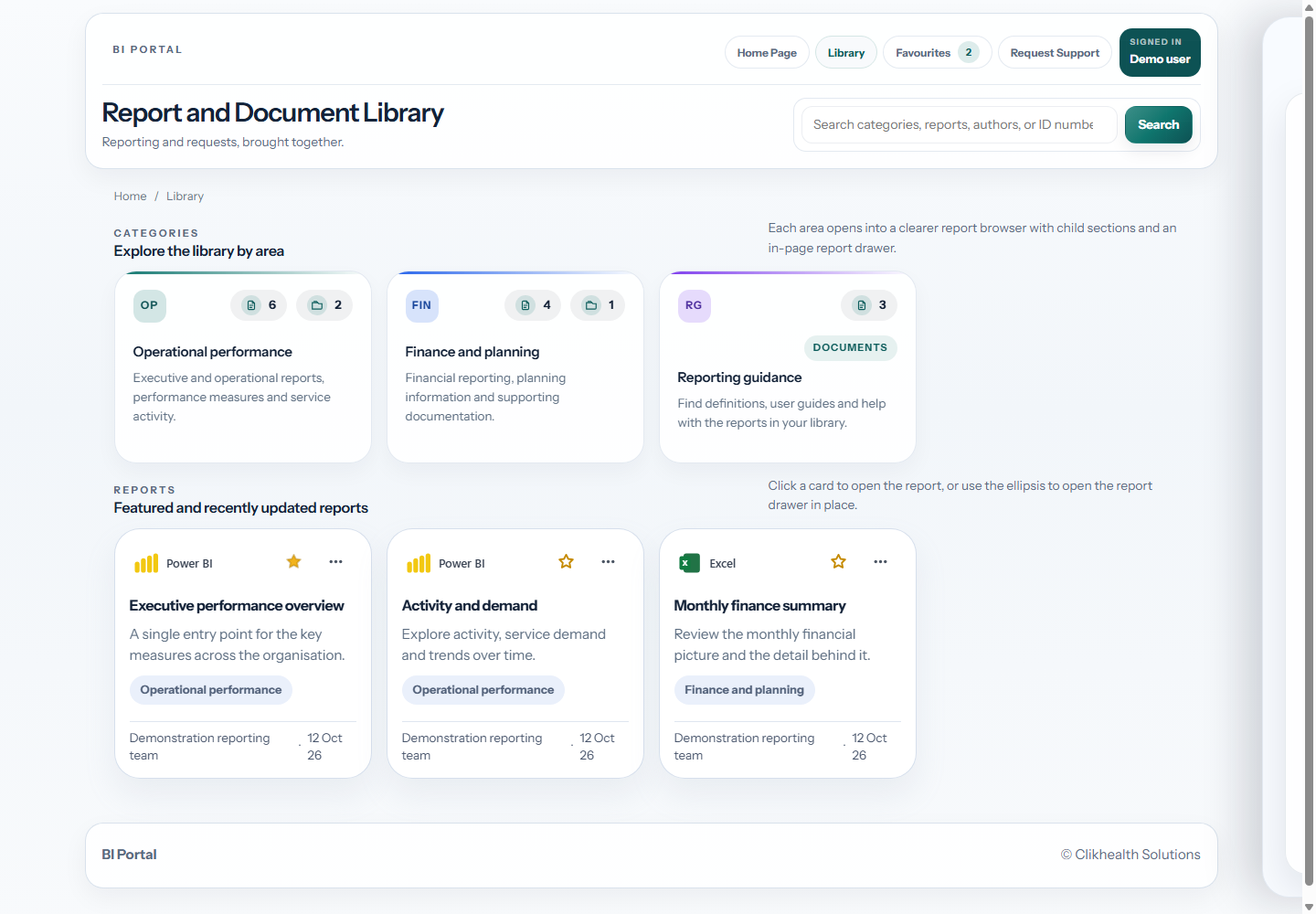
01Find the reporting you need.
Browse categories, search the library and save favourites. Bring reports and supporting documents together with descriptions and guidance.
- Report and document library
- Categories, search and favourites
- Report owners, guidance and refresh information
- Power BI report previews where configured
02Capture a useful request.
Choose a request type and complete the form configured for it. Conditional questions and attachments help collect the information your BI team needs.
- Configurable request templates
- Reusable fields and conditional questions
- File attachments
- Request progress and messaging
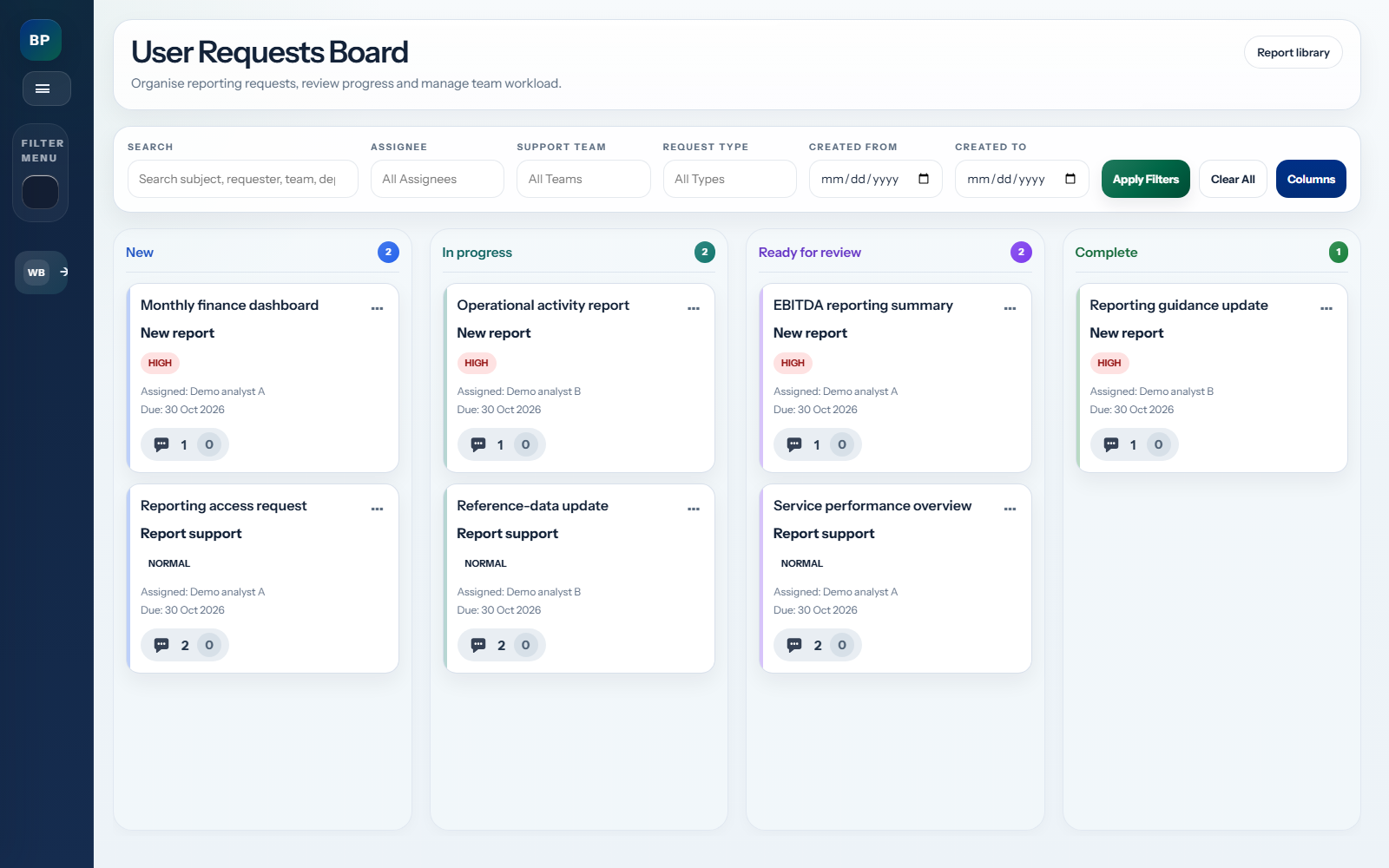
03Manage the work together.
Use assignment, priorities, status lists and boards to organise incoming work. Keep the conversation and request history alongside the task.
- Assignment and priority management
- Request lists and status boards
- Messaging and request history
- Effort logging
04Understand workload and delivery.
Review incoming demand, open requests, completed work and team performance. Filter the picture by request type, team, assignee and date.
- Open and completed workload
- Team and assignee reporting
- Due-date and completion views
- Date and request-type filters